Student Profile
A student’s profile is the single record of their registration status, contact details, and document history.
Viewing a profile
Open the profile page
Go to My Profile from the sidebar, or open a student record from a search result elsewhere in IIS.
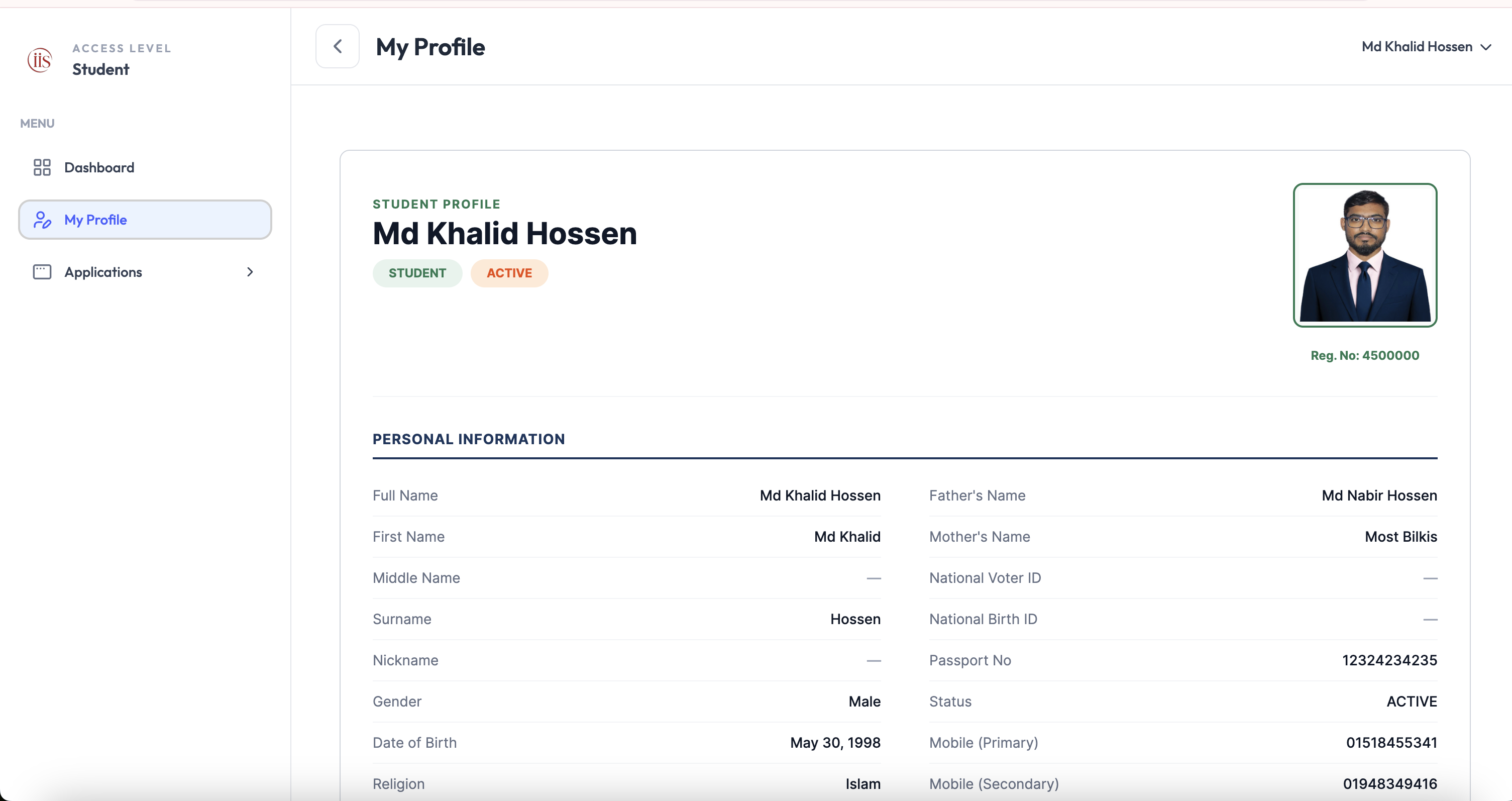
Student profile page
Profile details
The profile header shows the student’s name, role and status badges (e.g. Student, Active), photo, and registration number.
Below the header, the Personal Information section lists:
- Full Name, First Name, Middle Name, Surname, and Nickname
- Father’s Name and Mother’s Name
- Gender, Date of Birth, and Religion
- National Voter ID, National Birth ID, and Passport No
- Status, Mobile (Primary), and Mobile (Secondary)
Fields left blank by the student are shown as a dash (—). Further sections below Personal Information cover address, education, and document details.