Applications
An “application” in IIS is any request that needs to be filled in, paid for, and reviewed — for example exam entry or membership progression. This is the simple, start-to-finish version of how it works.
The application journey in 4 steps
Every application follows the same simple path, no matter what type it is:
1. Start
You open a New Application and pick the type you need.
2. Fill & Preview
You fill in the form, then check everything on a preview screen before paying.
3. Pay
You complete payment, which submits the application for review.
4. Track
You watch its status change from Submitted to Approved (or Rejected) in My Applications.
You don’t need to remember every field or screen — IIS walks you through each step in order, and saves your progress as you go.
Step by step: submitting an application
Open My Applications
In the sidebar, select Applications to expand it, then select My Applications.
Start a new application
Select New Application and choose the type you want to submit.
Fill in the form
Complete every required field for that application type. You can usually save and come back later — it’s kept as a Draft until you submit.
Preview before you pay
Use the preview screen to double-check names, dates, and amounts render correctly. This is your last chance to fix a typo before payment.
Pay and submit
Complete payment to finalize the submission. The application moves out of Draft and into the review queue — see Payment Status for how to check the payment itself.
Tracking your applications
The My Applications list shows every application you have started, with its current status. Full details on reading this list live on the My Applications page — the short version:
- Draft — started but not paid/submitted yet. Select Continue to finish it.
- Submitted / Under Review — paid and waiting for ICAB staff to review it.
- Approved — accepted. No further action needed.
- Rejected — not accepted. Open it to see why, and start a new one if you need to reapply.
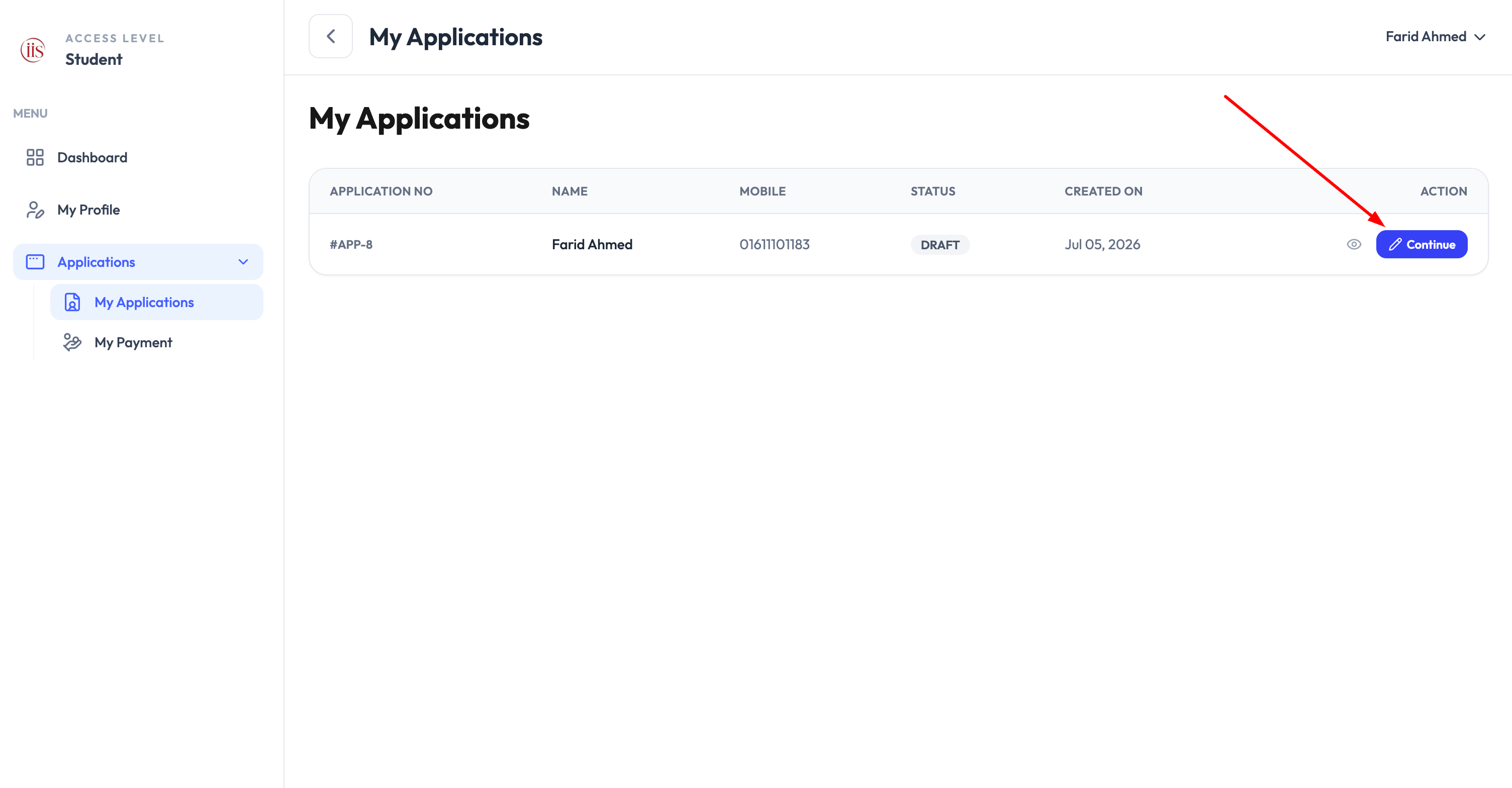
Draft applications are saved automatically so you can return and finish payment later without re-entering details.